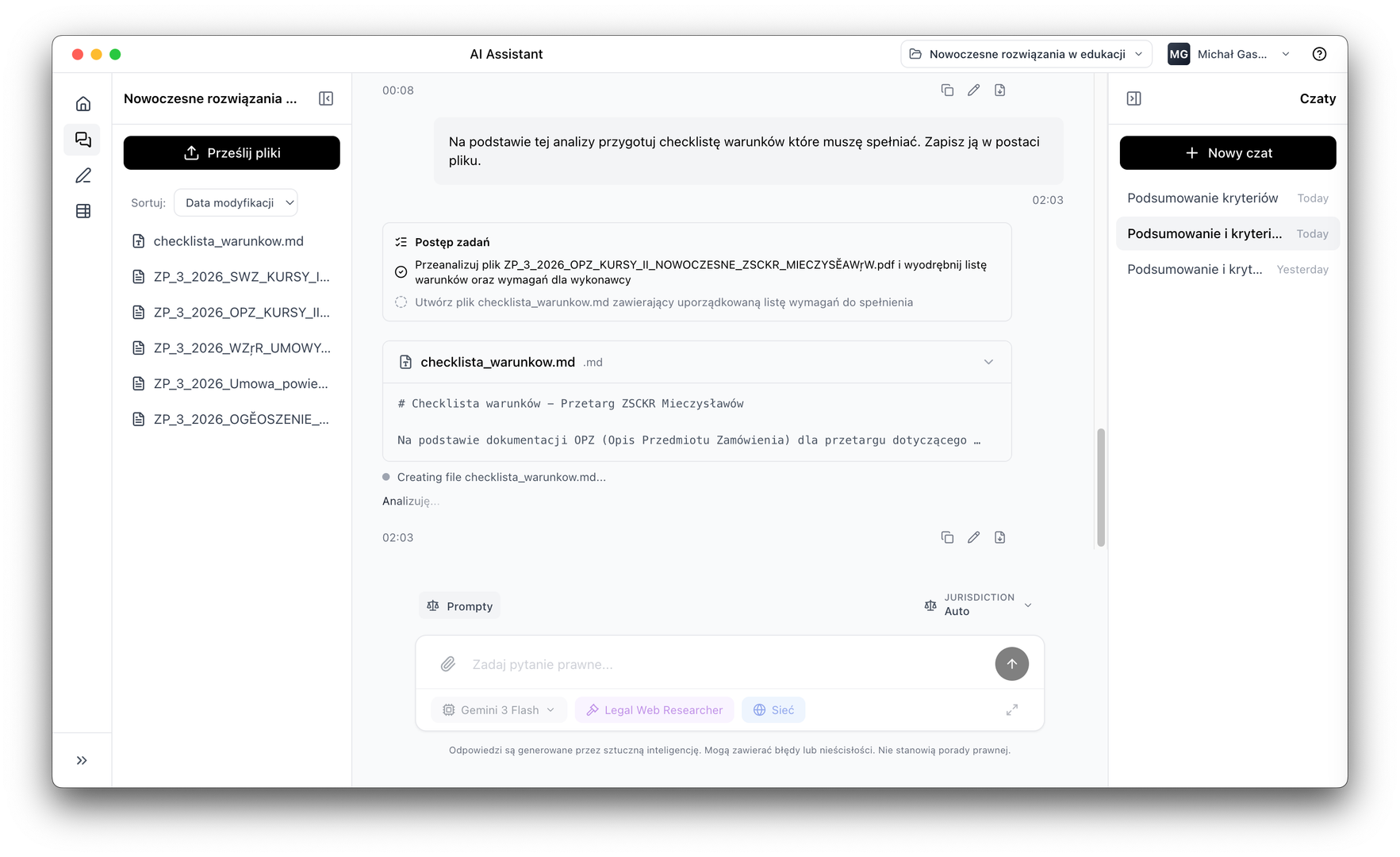
AI Tables
Data extraction from documents into structured tables
AI Tables automatically extracts information from multiple documents simultaneously and turns them into tables that can be filtered and exported. Every data point with source citation.
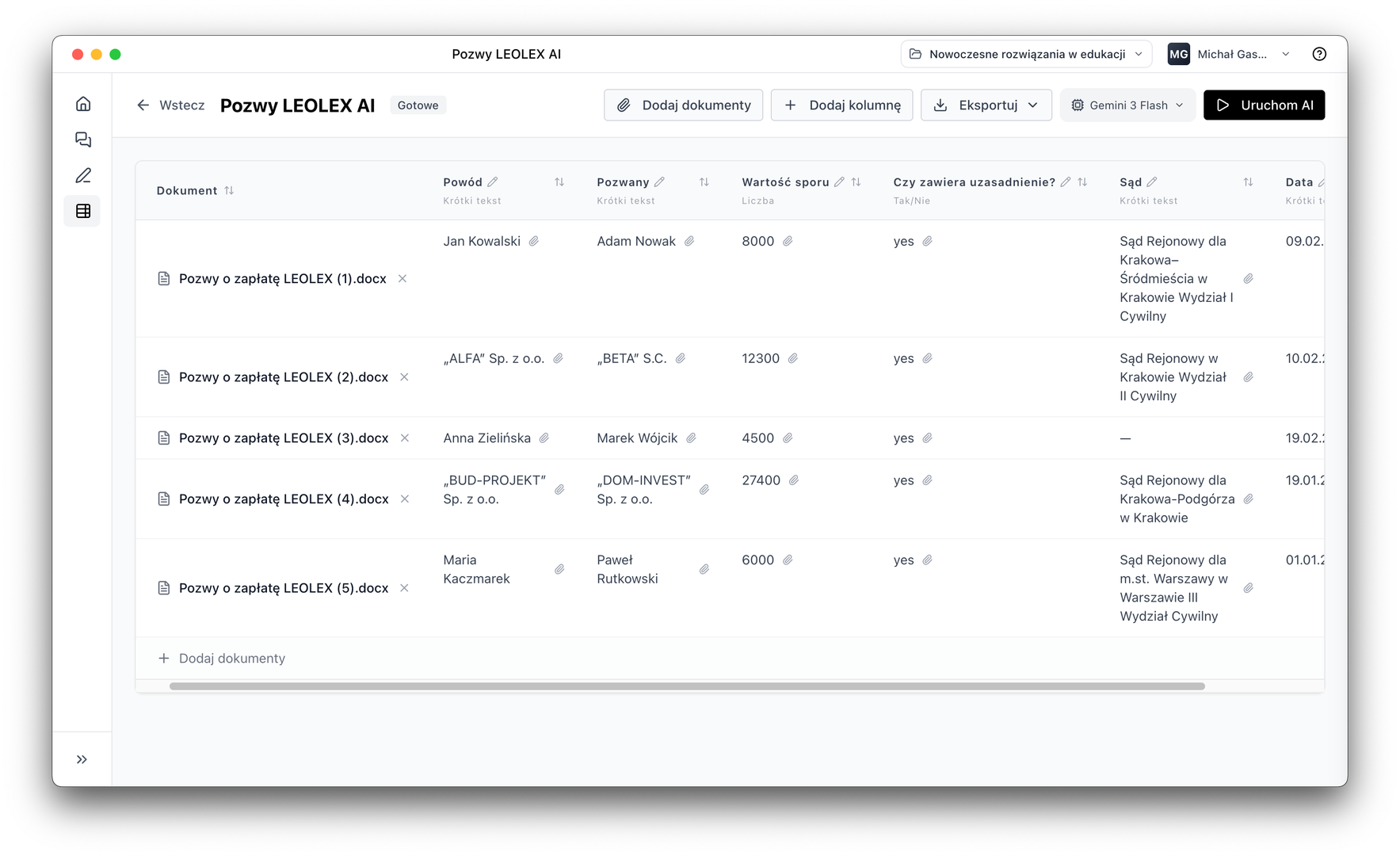
Multiple documents at once
Analysis of entire file packages in one pass
Source citations
Every data point linked to a document fragment
Flexible columns
You define what goes into the table
Export results
CSV, PDF and Markdown ready for further work
How it works
Select files, define columns, start extraction
You do not need to manually review each document. Point to project files, define what information should go into the table, and start processing. AI will go through the documents and populate the table with data.
Various column types
Short text, long text, yes/no, number, quote, tags — adapted to your data
Background processing
You can continue working while AI processes the documents
Source fragment citation
Every data point indicates exactly which part of the document it comes from
Use cases
Where AI Tables works best
Review of large document packages
Extract key data from hundreds of files simultaneously. Contract parties, deadlines, amounts, obligations — all in one table.
Comparing contract terms
Comparison of key clauses, values and deadlines from multiple contract versions side by side, ready for further analysis.
Tender document analysis
Formal requirements, deadlines, evaluation criteria and obligations from multiple tender documents in one clear summary.
Step by step
From documents to table in a few steps
Select files
Mark the project documents to be analysed.
Define columns
Specify what information should go into the table and in what format.
AI processes in the background
The system goes through documents and fills tables with data with source citations.
Export results
Export the finished table to CSV, PDF or Markdown.
Download LEOLEX AI Desktop and try it free for 7 days.